




 Technology27 May 2026
Aerion: The New Top Choice for Linux Email Clients
I've switched to Aerion as my favorite Linux email client due to its modern UI and simplicity, leaving Geary behind.
A New Contender in Linux Email Clients
For an extended period, Geary was my go-to email client on Linux. Its simplicity and lightweight design made it easy to use, but I was consistently annoyed by some shortcomings, especially when used with a tiling window manager. However, I recently discovered a new email client, Aerion, which has quickly become my preferred choice.
Why I Switched to Aerion
Clean and Efficient Design
Aerion is an open-source email client designed specifically for Linux, while also being compatible with macOS and Windows. It focuses on privacy and efficiency, offering a sleek and modern interface that does not overwhelm the user with unnecessary features. Sponsored by 3DF, a leading IT consultancy in Hong Kong, Aerion is positioned as a reliable and trustworthy option in an often cluttered market.
With support for multiple email services including Gmail, Outlook, Yahoo Mail, and more, Aerion proves to be versatile. Its core feature set consists of essential functions like rich-text formatting, email filtering, mild theming options, and a handy Focus Mode that minimizes distractions by displaying only the selected email.
User-Friendly Interface
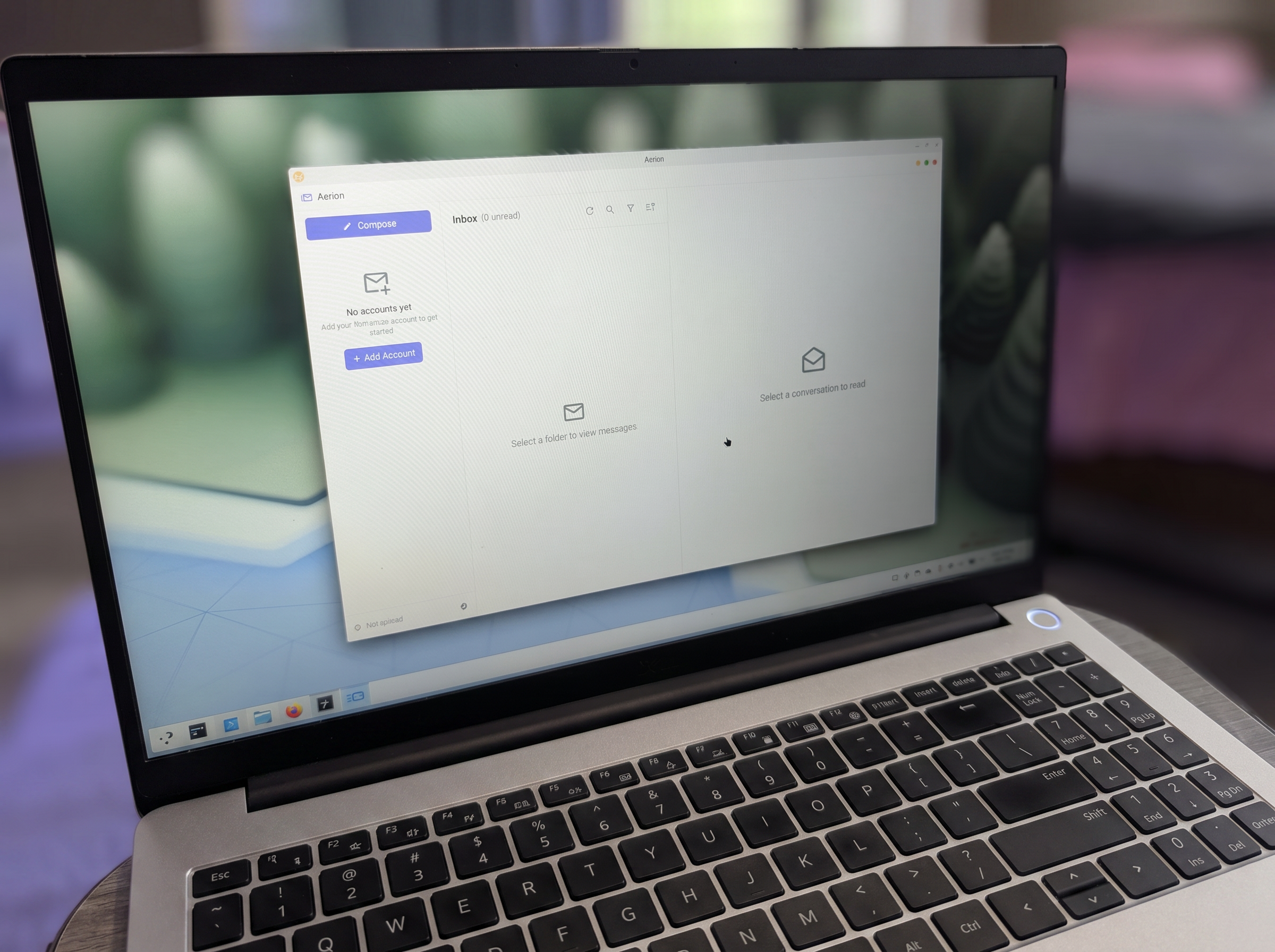
The interface of Aerion is where it truly shines. The layout includes an account pane, an email list pane, and a viewing pane that allows anyone to navigate the app easily right from the start. The settings menu provides options for customizing the title bar and theme, enhancing the overall aesthetic to align with individual preferences.
One standout feature is the Focus Mode, which simplifies the view to only display the currently selected email. This is particularly beneficial for those who prefer a distraction-free environment when reading messages.
Installing Aerion on Linux
Despite being in its pre-release phase, Aerion has shown remarkable stability. Installing it on Linux is straightforward through Flathub, requiring only a Flatpak-enabled distribution. The installation command is simple:
flatpak install --user io.github.hkdb.Aerion
Once installed, users can easily add their email accounts and dive into the streamlined experience that Aerion offers.
Conclusion: The Future of Email on Linux
In conclusion, Aerion has successfully replaced Geary as my top pick for Linux email clients. Its combination of simplicity, user-centric design, and essential features make it an excellent choice for anyone looking for a reliable email solution. Whether you're managing multiple accounts or simply want an efficient way to handle your emails, Aerion is worth considering.
Popular news
Frank Garcia has been confirmed as the US Assistant Secretary of State for African Affairs, shifting focus from aid to trade in U.S. policy.





Subscribe to
our news
Get the most important updates and top stories in your inbox.